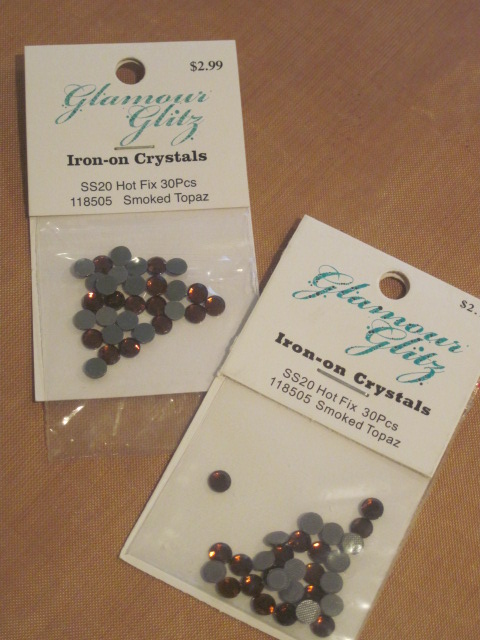
These ones are 20SS. Next I opened the 'Rhinestones Window' on the Cameo.

I chose the rhinestone sizes, and the 'Draw Rhinestones' option 'Single Click'.

Then I just filled my central image with rhinestone holes.


Once I had the template cut I peeled it off the backing and stuck it on to a backing board.


Then I sprinkled my rhinestones over the template, using Silhouette brush supplied in the kit gently brushed them in place. I will admit here that I found this a bit tedious and ended up picking up some of the rhinestones and placing them where I wanted them.

Once the rhinestones were in place I carefully laid the transfer tape over, and voila my rhinestones are ready to iron on.

To iron the rhinestones on I just positioned them on the shirt, covered them with a thin cloth and with the iron on 'wool' setting pressed down on top for 45 - 60 seconds. After peeling off the transfer tape I turned the shirt inside out and iron the back of the rhinestones to "pull the glue into the fabric."
Here is the finished design.

Until next time.
Michelle
